
Client-ready subtitle delivery
What you preview is what you export.
CutCaption is the browser subtitle studio for freelance editors and small agencies. Fix timing, style captions, and deliver client-ready subtitle files or burned-in video without rebuilding the look at export.
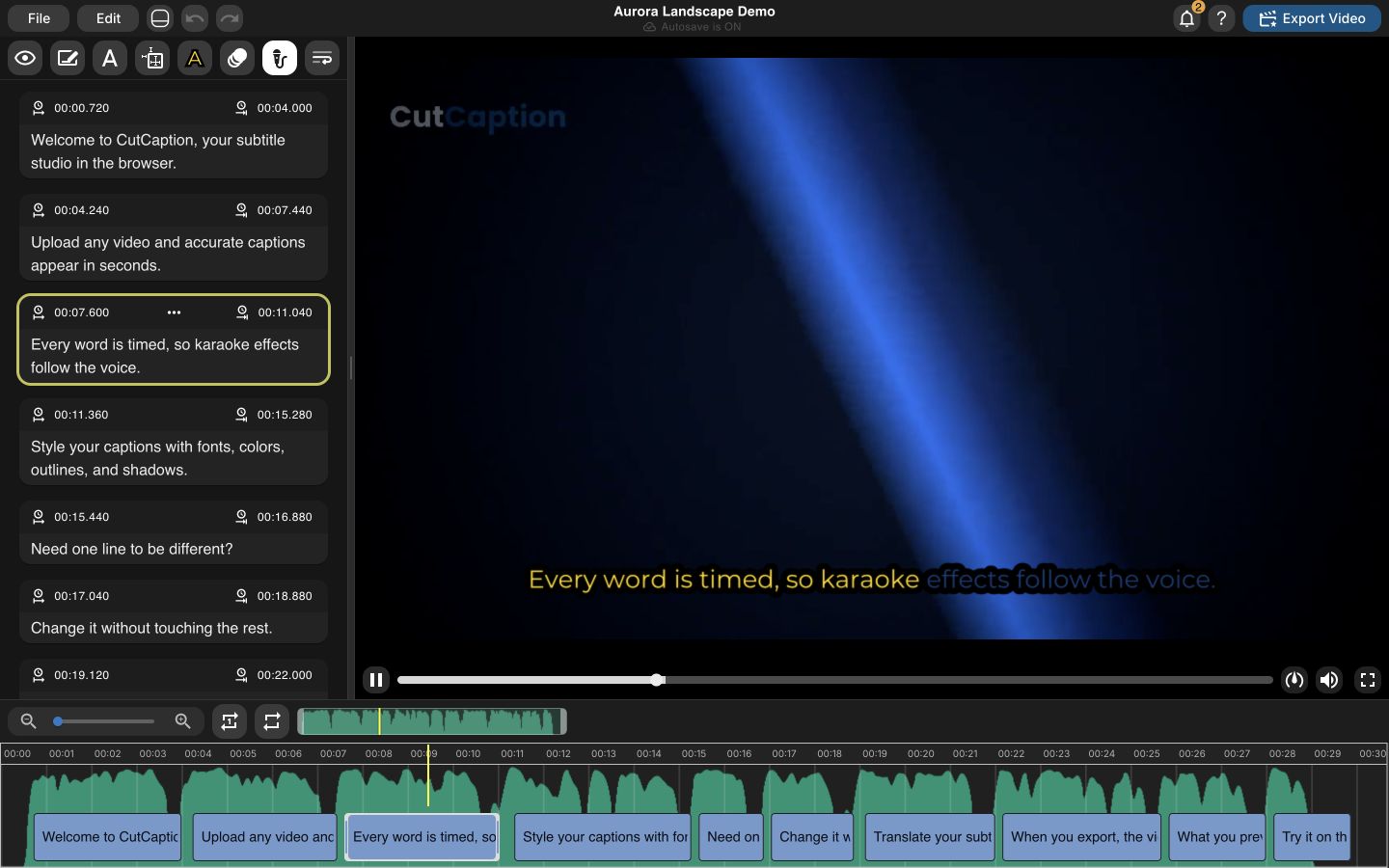
AI captions give you the first draft.
Fine-tune timing, line breaks, and wording.
Export subtitles or a captioned MP4.
Preview-to-export parity
Approve the caption once. Deliver that result.
CutCaption keeps browser preview, ASS delivery, and burned-in video tied to the same saved caption instructions. No second styling pass after you click export.
One saved caption state
Text, timing, line breaks, positioning, and effects come from the project state you reviewed.
One set of ASS instructions
CutCaption generates the same subtitle model for browser preview, ASS handoff, and burned-in export.
The same renderer family
JASSUB/libass powers the browser view; FFmpeg/libass applies those instructions to the exported video.
The CutCaption parity promise
Supported caption timing, placement, styling, and effects shown in preview carry into export from the same generated ASS instructions.
The promise covers the captions. Source-video color and compression can still vary when a video is encoded into a new delivery file.
Before export
Browser preview
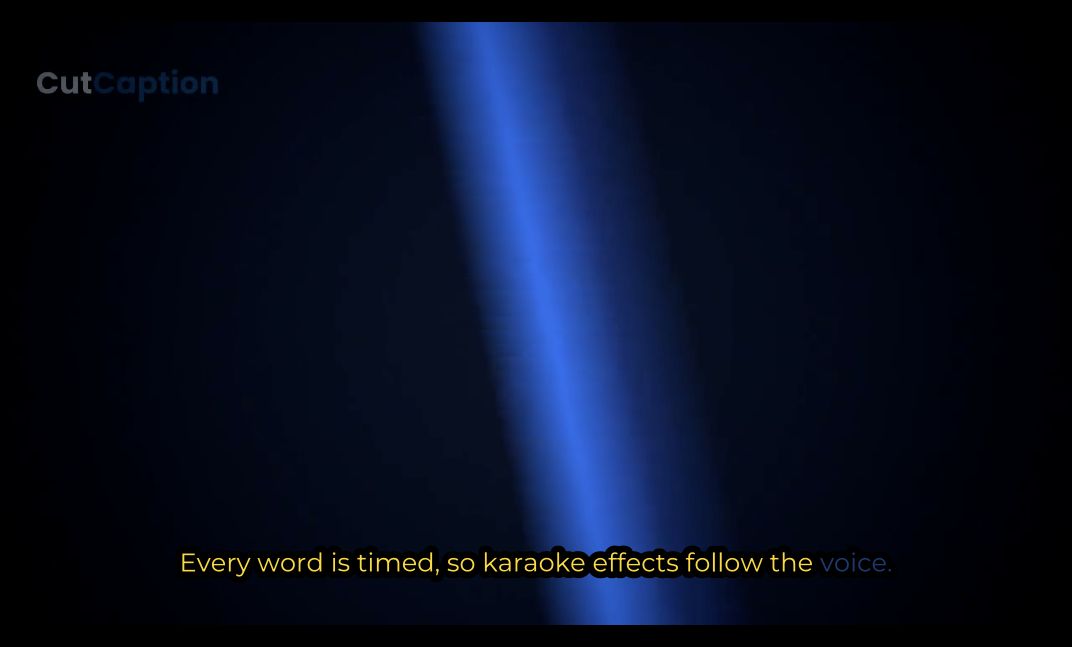
Review timing, layout, outline, colors, positioning, and supported effects over the source video.
After export
Exported frame
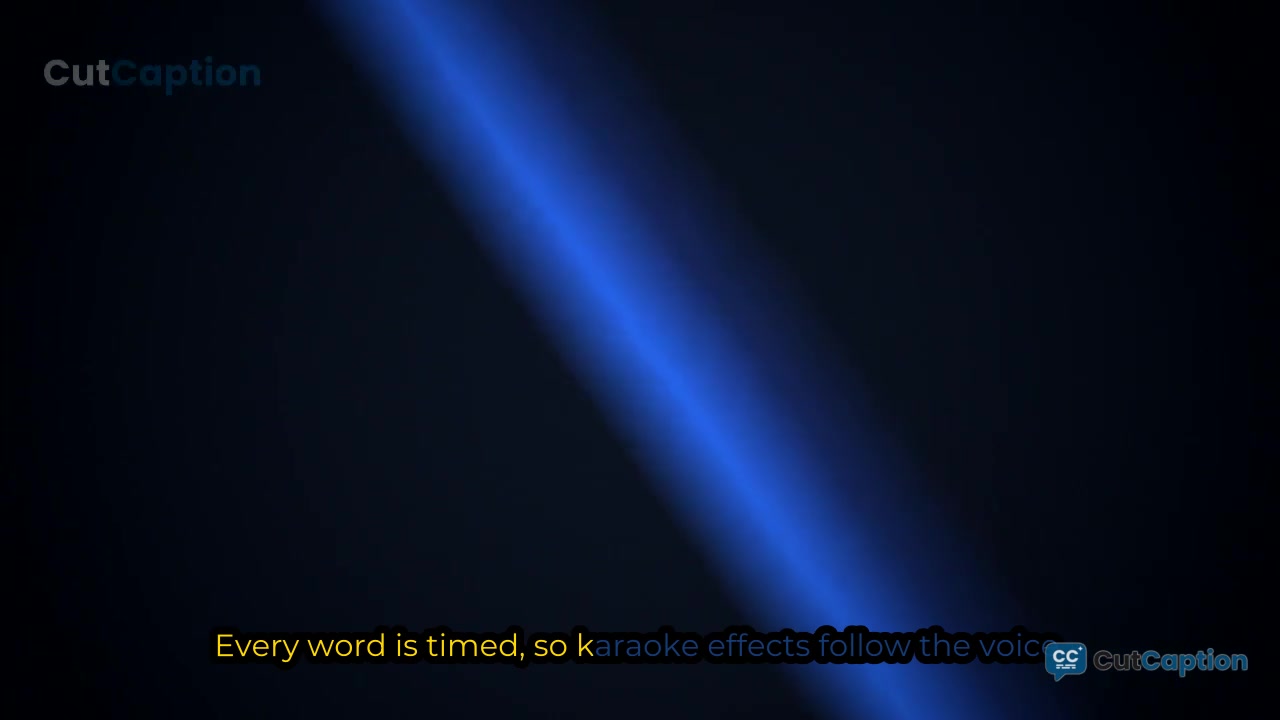
Deliver the same caption decisions in a burned-in MP4, or hand off the generated ASS file.
In plain English: CutCaption writes one set of caption instructions. The browser reads them for preview, and the export worker reads them again to burn the video.
Client-ready captions, from first pass to final file.
Generate or import captions, correct the details, style with precision, and deliver subtitle files or burned-in video from one browser workflow.
Start from AI or import
Generate captions with AI or bring your own SRT/VTT file. CutCaption starts where the rough transcript starts.
Fix timing precisely
Adjust timing with caption cards and waveform context so subtitles land where viewers actually hear the words.
Style for readability
Apply presets, fonts, color, outline, shadow, position, karaoke, and active-line effects with a live subtitle preview.
Translate without leaving
Create translated caption states when a clip needs another language, then review the result in the same editor.
Export files or video
Download SRT, VTT, or TXT subtitle files — ASS on Creator and higher plans — or render a burned-in MP4 when the captioned video needs to ship as one file.
No tool stitching
Open the studio from your browser, keep projects in your workspace, and avoid bouncing between caption tools.
How it works
From client footage to approved delivery.
A focused browser workflow for editors who need captions to stay consistent from the first review through the final file.
Start the caption pass
Start with AI-generated captions or bring your own .srt/.vtt file when you already have subtitle text.
Refine timing and text
Clean up wording, timing, line breaks, and segment boundaries while checking the video preview.
Style and translate
Apply readable styles for social video, tune effects, and translate captions when the project needs another language.
Export with confidence
Download subtitle files for handoff or render a finished video with captions burned in.
Who it is for
Built for repeat delivery work.
Freelance editors and small agencies get the control and export confidence they need. Creators can start free with the same editor.
Freelance video editors
Turn a supplied subtitle file or AI draft into reviewed, styled captions you can hand to a client with confidence.
Small agencies
Keep timing, brand styling, translated states, and final deliverables together for recurring client work.
Accessibility-led teams
Prepare reviewed caption files and always-visible versions for institutions and covered client services with clear delivery requirements.
Pricing
Start free. Pay when client delivery needs more.
Pricing stays visible for transparency while self-serve payments are paused for this launch.